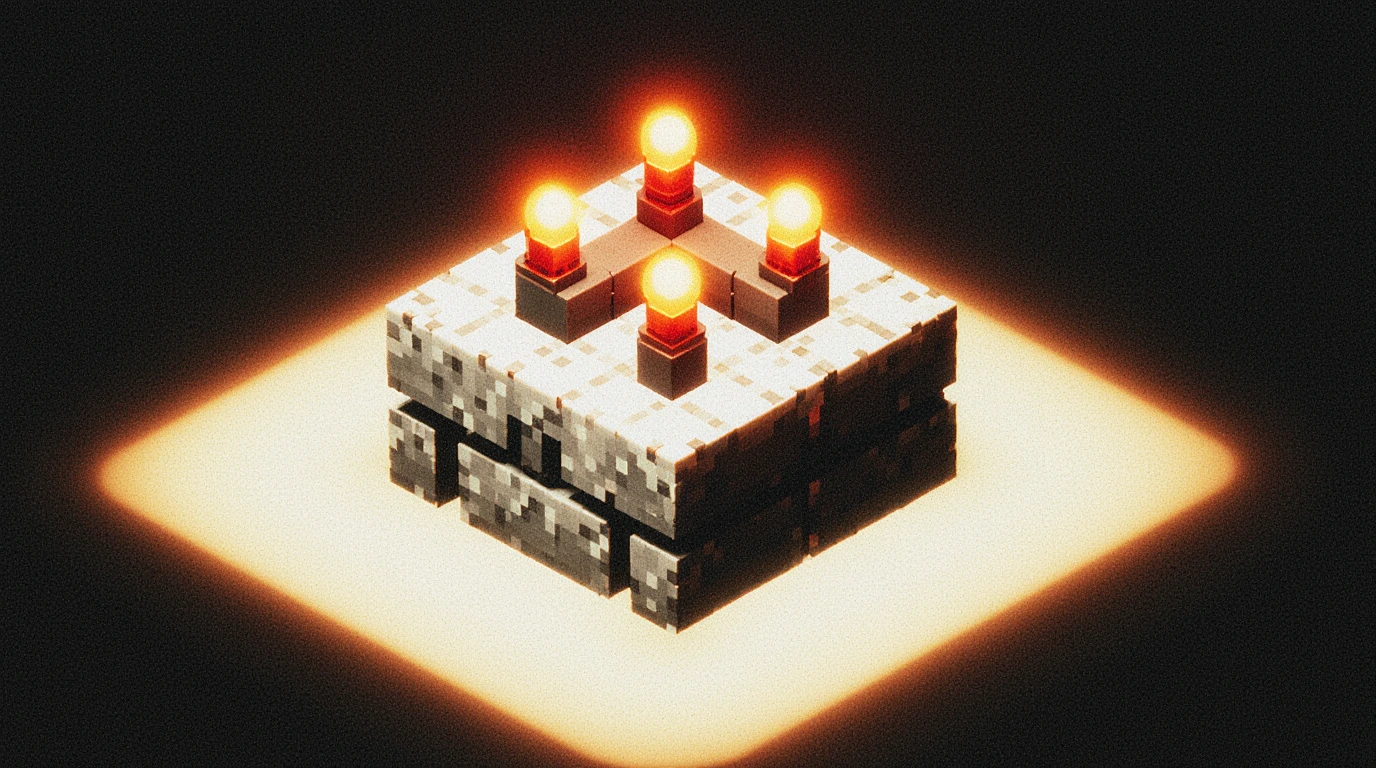
How to use redstone repeater
If you’ve ever dabbled in Minecraft redstone and found yourself staring at a circuit that should work but… somehow doesn’t, you’re not alone. The redstone repeater is one of those strangely simple-looking components that quietly controls timing, distance, and logic—yet it has confused more players (including me, embarrassingly) than almost any other redstone tool. And honestly? The frustration usually comes from the fact that nobody explains why repeaters behave the way they do. They just say, “Place it like this.” But that’s not enough when your build refuses to cooperate.
So let’s slow down for a moment—not in a “textbook tutorial” way, but in the way you’d explain it to a friend who’s sitting beside you on the couch, controller drifting slightly to the left for no reason at all. Because understanding how to use a redstone repeater isn’t about memorizing where to click; it’s about seeing how timing and signal flow actually shape your build. Once that clicks (no pun intended), redstone becomes far less mysterious. Almost fun, even.
BTW, if you’re here because your last contraption fizzled out halfway down a hallway of redstone dust, or your piston door fired too early—or too late—you’re exactly the person this guide is written for. Most players hit that moment when redstone feels more like black magic than game logic. And let’s be honest: nobody wants to spend an hour building a farm only to realize the problem was a repeater facing the wrong way. Yes, we’ve all been there. Don’t worry.
In this guide, we’re going to peel back the layers of how redstone repeaters actually work: the delay system, the signal boosting, the locking mechanic that most players completely ignore, and the subtle rules that make or break your circuits. I’ll also walk through real scenarios—doors, farms, clocks, traps—because theory is nice, but seeing a repeater solve a problem in a real build is what actually makes the knowledge stick.
If you’re ready to turn that “Why isn’t this working?” feeling into “Ohhh… that’s why,” then you’re in exactly the right place. Let’s start at the beginning and make the repeater feel less like an enigma and more like a tool you can confidently bend to your will.
Table of Contents
How to Use a Redstone Repeater Step by Step
Learning how to use a redstone repeater doesn’t require you to understand the entire universe of redstone—though sometimes it feels like that’s what the game expects of you. What you actually need is a sense of how repeaters behave the moment they touch a circuit: how they face, how they carry a signal, and how they respond when you interact with them. And strangely enough, most beginners get tripped up not because repeaters are complicated, but because their rules are a bit… picky. Understandably picky, I guess, once you see the bigger picture.
Let’s begin with placement. A repeater is directional, meaning it only sends a redstone signal forward—never sideways, never backward. There’s a tiny arrow carved into the model, and if you’re anything like me when I first started, you’ll probably ignore it until something breaks. But direction is everything. If the arrow isn’t pointing toward the component you’re powering, the circuit simply refuses to cooperate. It’s the Minecraft equivalent of talking to someone who’s wearing headphones: technically possible, emotionally frustrating.
Once it’s facing the right way, the repeater will pass the signal exactly as it receives it—unless you change the delay. By default, it uses a one-tick delay, which is so fast you might not even notice it. But when you right-click, you stretch that delay out to two, three, or four ticks. More on that later, but for now, just remember clicking it is like telling the signal to “hang on for a bit.”
Now, here’s something players often don’t realize at first: repeaters ignore weak inputs from the sides. They don’t care. They don’t even pretend to care. A repeater will only accept a signal from the back and only output through the front. If you try feeding it sideways dust, it’ll sit there like a stubborn mule. And honestly, I kind of respect it for that clarity.
Step-by-Step Basics
- Place the repeater with the arrow pointing toward your output.
- Make sure redstone dust or a component feeds into its back.
- Optionally adjust the delay by right-clicking.
- Test the circuit—if nothing works, check direction first.
- If things still don’t work, your signal may be too weak (we’ll fix that soon).
FAQ — Why won’t my repeater turn on?
A repeater won’t activate if the signal isn’t entering its back. Side inputs are ignored, and front inputs do nothing. Make sure the arrow points toward your target, and the incoming dust is connected directly behind the repeater.

Redstone Repeater Delay Settings Explained
If there’s one part of the redstone repeater that players tend to misunderstand—sometimes for years—it’s the delay system. On paper, it sounds simple: right-click to add more ticks. But in practice, the way timing shapes a redstone circuit feels more like conducting a little orchestra where every instrument waits a beat before playing. And if one player hits their note at the wrong moment? The entire thing falls apart. I’ve had piston doors misfire in a way that felt almost passive-aggressive, all because I mistuned a single repeater.
Let’s slow things down—no pun intended—and look at what a “tick” actually means. Minecraft processes redstone in discrete steps called game ticks. One tick is one-tenth of a second (0.1s), though the game’s rhythm isn’t always perfectly even. That tiny unpredictability is part of what makes redstone feel strangely alive. A repeater can be set to 1, 2, 3, or 4 ticks, which is really just saying: wait 0.1, 0.2, 0.3, or 0.4 seconds before letting the signal continue. It doesn’t sound like much, but in redstone builds—especially piston systems—that timing nuance is everything.
Now, here’s something players often discover by accident: adding delay can fix things just as easily as it can break them. A piston door that slams shut too early may simply need an extra tick. A farm that jams might need a signal to pause just long enough for items to settle. Sometimes I find myself adjusting repeaters almost like tuning a guitar—twisting a knob, listening for the change, and thinking, “Hmm… almost.”
And there’s a hidden truth not everyone talks about: the first tick on a repeater is mandatory. Even if you set it to “no delay,” it still adds at least a 1-tick pause. This tiny built-in delay creates the heartbeat of every redstone pulse chain.
When to Use Each Delay Setting
- 1 tick: Fastest possible transfer. Use it for rapid doors, short pulse chains, and circuits that require tight synchronization.
- 2 ticks: Good for smoothing timing when pistons behave erratically.
- 3 ticks: Usually for multi-stage mechanisms where you need noticeable pacing.
- 4 ticks: Great for pulse extenders, trap timing, or dramatic door reveals (yes, aesthetics count).
FAQ — What does a 4-tick repeater actually do?
A 4-tick repeater delays the redstone signal for 0.4 seconds before passing it forward. The longer delay helps coordinate slower components like pistons or timed automation systems that need a slight pause to function properly.
Signal Boosting and Distance: Using a Redstone Repeater as an Amplifier
At some point, every Minecraft player hits the same confusing moment: you lay out what feels like a perfectly reasonable line of redstone dust, flip a lever, and… nothing. Or worse, something happens, but only halfway down the wire. And you stand there staring at it, wondering whether the game is broken or you are. The truth is neither—this is just how redstone signal decay works. And it’s exactly where the redstone repeater steps in as a surprisingly powerful amplifier.
Redstone dust can only carry a signal 15 blocks before it becomes too weak to activate anything. That’s the rule, even if it feels oddly arbitrary. A repeater resets that fading signal back to full strength—kind of like giving the circuit a deep breath before continuing. Think of it like passing a message down a line of people: without someone repeating it loudly, it eventually turns into a mumble.
But boosting isn’t just about distance. Sometimes your circuit technically reaches its target, but the power is so weak that the final component behaves inconsistently. I’ve seen players blame pistons for “glitching” when really, the dust feeding them was whispering instead of shouting. A repeater fixes that immediately, overriding the weak signal and sending out a strong one. It feels almost unfair how simple the fix is once you know.
One small detail players often learn the hard way: signal boosting is directional. Just like in the earlier section, the repeater only revives incoming power if it’s fed from the back. If the repeater is facing the wrong direction, the signal just stops dead—like a clogged pipe in a plumbing system. And yes, I’ve placed repeaters backward more times than I’d like to admit.
When to Use a Repeater for Signal Strength
- When a redstone line stretches past 15 blocks
- When a mechanism behaves inconsistently due to weak power
- When combining long circuits with timing-dependent builds
- When chaining multiple mechanisms that must all receive full-strength signals
Boosters aren’t glamorous, but they’re the reason big builds work reliably.
FAQ — Does a repeater make the signal faster?
No. A repeater strengthens the redstone signal but always adds at least a 1-tick delay, even at its lowest setting. It boosts strength, not speed.
Understanding Redstone Repeater Locking (The Underrated Feature)
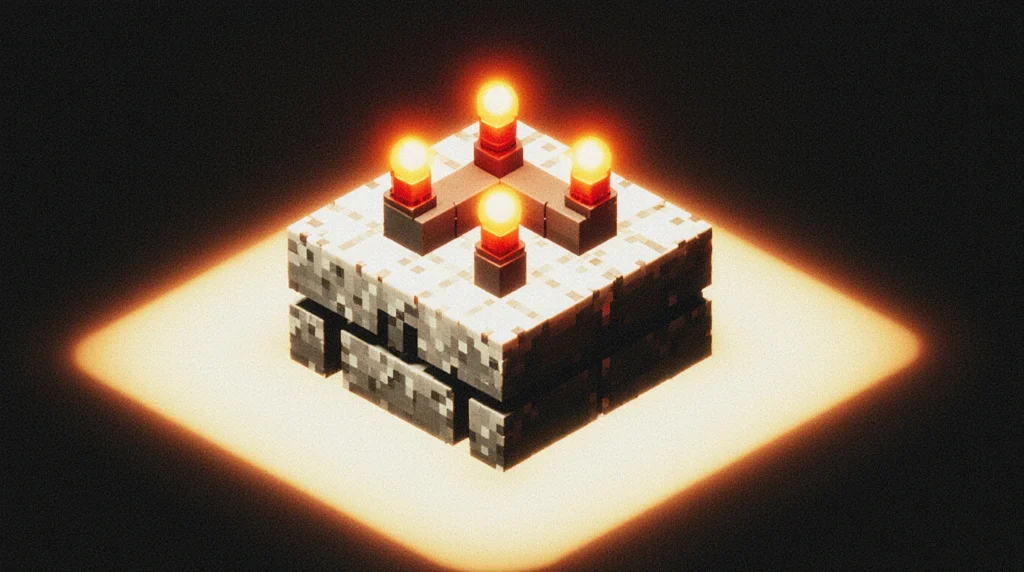
If you’ve played Minecraft long enough to touch redstone, there’s a decent chance you’ve seen a redstone repeater randomly freeze and thought, “Wait… did I break something?” The truth is you probably activated the repeater’s locking mechanic, one of the most obscure but wildly useful tools hidden inside the redstone system. It’s one of those features Mojang slipped into the game that feels simple on the surface but opens up a whole second layer of circuit control once you understand what’s happening.
Repeater locking works like this: when a repeater receives a strong side signal—specifically from another repeater pointed into its side—it becomes “locked.” While locked, it refuses to update its output. It basically says, “Whatever my signal is right now, that’s what I’m sticking with.” No amount of toggling the input will change it. And weirdly enough, that stubbornness makes it incredibly valuable.
Think about the moments in your redstone builds where you want something to happen only under certain conditions: a door that must stay open until a specific signal arrives, or a farm that shouldn’t reset mid-cycle. Locking lets you freeze a circuit in place. I remember the first time I realized this wasn’t a bug; suddenly, half the redstone tutorials I’d seen started making sense. It was like discovering the clutch on a car after years of wondering why gears felt wrong.
The irony? Most players never touch this mechanic intentionally because the visual cue is so subtle—the repeater’s torches shift slightly, and the texture brightens. It’s easy to miss unless you’re already looking for it. But once you start experimenting, locking becomes a tool you reach for instinctively, especially in automation builds where timing and permission matter more than raw power.
Practical Uses for Repeater Locking
- Item sorters: Preventing overflow loops or timing errors
- Door logic: Holding a door open while the rest of the circuit processes
- Clock control: Pausing a redstone clock without breaking it
- Farm automation: Ensuring processes happen in the right order
Locking is basically giving your redstone circuit a “freeze frame” button.
FAQ — Why does my repeater look frozen and not change output?
Your repeater is receiving a side input from another repeater, which locks it. To unlock it, remove or deactivate that side signal. Once unlocked, the repeater will resume updating normally.
Common Redstone Repeater Mistakes and How to Fix Them
If there’s one universal redstone experience, it’s that moment when your build refuses to work for reasons that feel almost petty. And more often than not, the culprit is a redstone repeater doing exactly what it’s supposed to do—but not what you thought it was supposed to do. The strange part is that mostRepeater-related issues aren’t actually technical errors; they’re tiny misunderstandings that pile up until the circuit behaves like it has a personality of its own. I’ve had builds that felt spiteful, although I know that’s impossible… probably.
Let’s start with the simplest—and most common—mistake: direction. A repeater is directional in a way that borders on philosophical. The arrow on its top texture must face the component you want to power. If it faces backward, the signal just stops. Players often assume redstone “flows” both ways, but repeaters break that rule. And honestly, once you internalize that, half your circuits will suddenly start working.
Another mistake: timing mismatches. Because every repeater adds at least a 1-tick delay (and potentially up to 4 ticks), stacking multiple repeaters without meaning to can completely throw off piston systems, hopper clocks, or door sequences. It’s like making a recipe and accidentally doubling the salt; the result works, but just barely, and something feels off. New players sometimes think pistons are “buggy” when really the timing chain is out of sync.
Then there’s the side-input confusion. Redstone can power components from almost any direction—except when dealing with repeaters. A repeater ignores side inputs unless it’s specifically receiving a locking signal. If you’re trying to activate a repeater from the side with dust, you might as well be whispering into a wall.
Finally, signal strength decay catches players off guard. They’ll run dust across the floor, expecting it to reach a piston 30 blocks away, and when it doesn’t, they assume redstone just hates them personally. The fix? A simple repeater booster placed somewhere mid-line.
Quick Fix Checklist
- Check repeater direction (arrow must face the output).
- Verify that no unintended repeaters are causing extra delay.
- Ensure the repeater is being powered from the back, not the side.
- Insert a repeater every 15 blocks to restore signal strength.
- Remove accidental locking by clearing any side-facing repeaters.
FAQ — Why does my redstone work sometimes but not always?
Inconsistent behavior usually means your circuit is receiving weak signal strength or mistimed pulses. Check for long dust lines, unintended repeater delays, or accidental locking signals.
Redstone Repeater Use Cases (Practical Builds for Beginners)
You can understand every mechanic of the redstone repeater on paper and still feel stuck when it comes to actually using one in a real build. It’s a weird disconnect—like knowing how an engine works but freezing the moment someone hands you the keys. What helps most players (myself included) is seeing how repeaters show up in everyday builds: the farms, the doors, the little conveniences that quietly make your world feel more alive. Once you start spotting patterns, the repeater stops feeling mysterious and becomes that tool you instinctively reach for.
One of the most common—and honestly satisfying—use cases is the classic piston door. Whether it’s a simple 2×2 entrance or a more dramatic multi-block setup, repeaters help the pistons fire in exactly the right sequence. Without them, doors tend to “stutter,” close too early, or pull blocks the wrong way. A couple of tick adjustments, though, and suddenly everything feels smooth and intentional. There’s something oddly elegant about getting that timing just right.
Then you have automated farms: sugarcane, bamboo, pumpkins, melons—anything that benefits from observer triggers. These farms often need a little delay to give pistons time to reset, or a boost to ensure a long redstone line reliably fires every module. Repeaters fill both roles perfectly. I’ve had runs where a single misplaced tick caused items to fling everywhere like a confetti cannon, and fixing it with one repeater felt almost magical.
Pulse extenders are another area where repeaters quietly shine. Sometimes you need a signal to last longer than the default split-second pulse—maybe you want a trap to stay active, or a minecart launcher to hold power briefly. Repeaters arranged in specific patterns can stretch a tiny pulse into something more substantial. It’s one of those moments where you realize redstone isn’t just electrical wiring; it’s timing, rhythm, and personality.
And then there’s the humble redstone clock. Whether you’re powering lamps in a pattern, cycling a farm, or running a trap, repeaters help set the pace. Just adjusting their delay changes the entire feel of a mechanism. Faster clocks feel frantic; slower ones feel deliberate. It’s strangely satisfying to tweak.
Popular Builds That Use Repeaters
- Piston doors (2×2, 3×3, hidden bases)
- Automatic farms (sugarcane, bamboo, melon, pumpkin)
- Redstone clocks and tick-based timers
- Pulse extenders for traps or mob farms
- Sorting systems that rely on stable timing
- Minecart stations and launcher boosters
FAQ — What’s the easiest build for learning repeaters?
A basic 2×2 piston door is the best starter project. It uses signal boosting, timing, and simple circuit flow—all in a compact, forgiving design.
Frequently Asked Questions About Redstone Repeaters
Even after learning how a redstone repeater works, most players still carry a handful of unresolved questions—usually the ones that don’t get answered in typical tutorials. Redstone is filled with those small quirks that you only notice once you’ve built a few contraptions and run into problems that seem almost too specific to ask out loud. So instead of leaving those lingering doubts hanging in the back of your mind, let’s clear them up right here.
A lot of people wonder how repeaters behave with water, fire, or environmental hazards. It’s a fair question because redstone components sometimes act in ways that feel inconsistent. Repeaters are actually sturdier than they look: waterlogged circuits won’t function, but the repeater itself doesn’t break just because it’s near water. Lava won’t destroy it unless the block it sits on is removed, and explosions can break it—though oddly, some redstone components survive blasts inconsistently depending on the block type beneath. That’s Minecraft being Minecraft.
Another question players often ask—sometimes with a bit of frustration—is why repeaters make their circuits feel slower. The reason is subtle but important: every repeater adds a minimum 1-tick delay, even if you never right-click it. It’s not malfunctioning; it’s just part of the game’s update logic. Think of it as a built-in breath between actions. This delay becomes especially noticeable in piston doors, minecart stations, and observer chains.
Many players also confuse repeaters with comparators. The names don’t help. The simplest distinction is this: a repeater strengthens and delays signals, while a comparator measures or compares signal strength. They look similar enough to trick newcomers (and sometimes veterans on a tired day), but their purposes could not be more different.
And yes—there’s always that one surprisingly common question: “Why does my repeater sometimes look brighter or frozen?” That’s the locking mechanic doing its thing. Your repeater has been “locked” by a side signal, likely from another repeater. It’s not broken; it’s holding its output on purpose.
Common Repeater FAQs
Q: Do redstone repeaters work underwater?
A: They don’t function when waterlogged, but being next to water won’t break them. Keep their block dry.
Q: What’s the difference between a repeater and a comparator?
A: A repeater boosts and delays signals; a comparator measures, stabilizes, or compares them.
Q: Why does my repeater add delay even when I don’t click it?
A: Every repeater has a mandatory 1-tick delay due to how redstone updates work.
Q: Can a repeater receive power from the side?
A: No—unless it’s a locking signal. Side dust won’t activate it.
Q: Why won’t my repeater turn on at all?
A: The input must enter from the back. If the repeater is facing the wrong direction, it won’t activate.
Conclusion: Mastering Redstone Repeaters One Step at a Time
By now, you’ve seen that understanding a redstone repeater isn’t really about memorizing mechanics—it’s about developing a feel for how redstone behaves when timing, strength, and logic all collide. And honestly, if you’re still here reading this, that already puts you ahead of most beginners. Redstone tends to scare people off because it looks technical from the outside, but once you start poking at it, you realize it’s more like a rhythm game than an engineering puzzle.
The moment you start adjusting ticks to make pistons cooperate, or dropping repeaters into long dust lines so signals don’t fade halfway across a room, something shifts. You begin predicting how circuits will behave before you even place the components. You stop assuming the game is “bugging out” and start noticing the small patterns—the micro-delays, the little quirks, the rules that Minecraft quietly keeps consistent even when it doesn’t look like it. And sure, maybe you’ll still place the occasional repeater backwards. I still do sometimes. But the difference now is you’ll catch it instantly instead of tearing your build apart in frustration.
What I hope you carry forward is this sense that redstone isn’t there to intimidate you. It’s there to empower you. A repeater isn’t just a tool—it’s a way to give your builds structure, timing, and reliability. It’s a bridge between simple ideas and more intricate mechanisms. When you place one down now, you’re not just copying a tutorial; you’re making a small decision about how your world should behave. That’s a surprisingly personal kind of creativity.
If anything here sparked a moment of clarity—or even that subtle “wait… I think I get it now”—then you’re ready to start playing with your own circuits, not just following someone else’s. Build the piston door, tweak the farm, experiment with clocks. Break things on purpose just to see how they fail. The more you experiment, the more natural timing, locking, and signal boosting will feel.
And when you eventually create a build that works perfectly on the first try, don’t be too shocked. That’s what happens when you finally understand how to use a redstone repeater with confidence and intuition. That’s when redstone becomes fun.